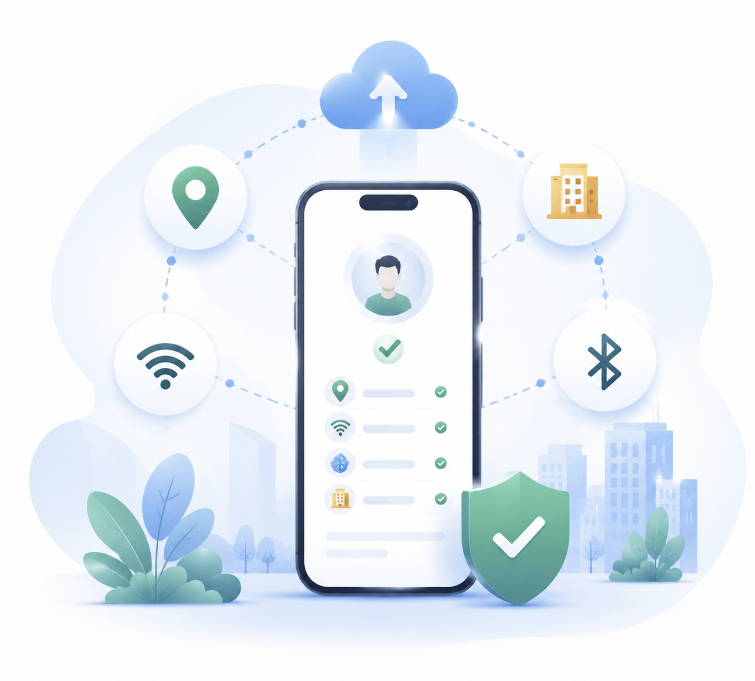
Phone auto punch will use the Astravyn HR Android app when it launches.
For now, use this page to view your company’s office sites and check your distance in the browser.
Loading your account…Android app coming soonOffice sites managed by HR
1
Android app — coming soon
The Astravyn HR Android app is not available yet, so phone auto punch is paused.
You can still open the office map below to see sites set by HR and check how far you are.
Coming soon — install and sign in on Android when the app launches.
Map ready now — view office sites and punch areas on this page.
Distance check — use “Check my distance” in your browser.
Permissions — phone permission status will sync after the app is available.
Android app coming soon. Use the office map below to view sites and check your distance.
2
Phone status and permissions
Phone sync and permissions will update when the Android app is available. Auto punch needs all three permissions allowed on the phone.
Setup not startedWaiting for your phone
Last update from phoneYour phone has not synced yet
PermissionsSome permissions are still missing
Location all the timeAllow on your phone
Unrestricted battery useAllow on your phone
NotificationsAllow on your phone
3
Your auto sign-in settings
These come from your phone and your HR shift settings, so they are read-only here.
Auto sign-inNot set
What triggers a punchLocation only (set automatically)
Punch recorded by AstravynOn (set automatically)
PhoneNo phone linked yet
Shift windowNot set
Office sitesLoading…
Setup finished onNot set
Settings last changedNot set
Recent automatic activity
Last automatic punchNo automatic punch yet
ResultNot set
Last sent to AstravynNothing sent to the server yet
4
Office sites and your distance
Your HR sets these locations and how wide each punch area is. You can check how far away you are,
and propose a correction that HR reviews — nothing here changes a real punch location on its own.
Sites set by HRLoading…
Punch areaNot set
Pin on the mapNot checked
Your site requestNone sent
Propose a different site
Turn on “Propose a site”, move the pin to the right place, then send it. HR decides whether it becomes a punch location.